In-Session Messages
In-Session Messages: Licence
These messages appear at the top of the picture when the workstation cannot confirm its licence with Computle during a session.
License warning
Section titled “License warning”What you see
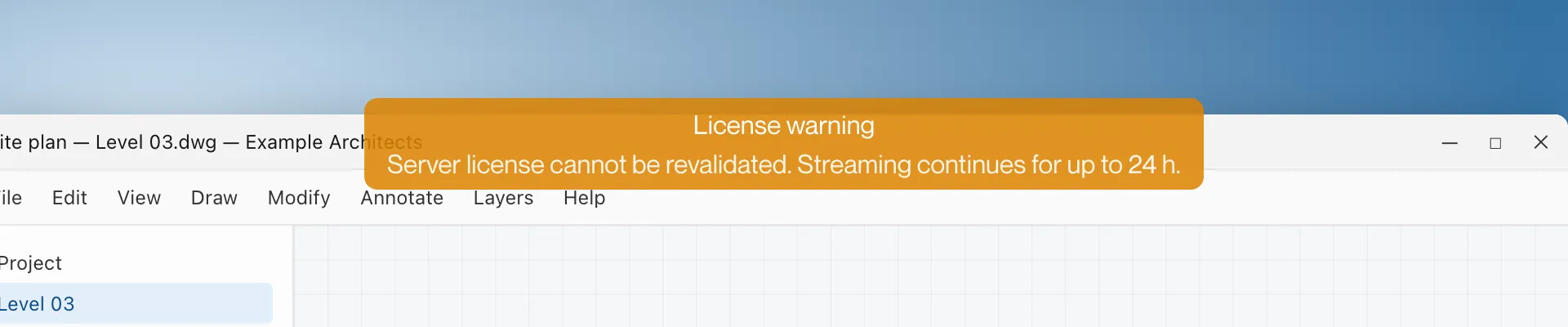
An orange notice reading “License warning” with “Server license cannot be revalidated. Streaming continues for up to 24 h.”
What it means
The workstation could not confirm its licence with Computle. The session continues for up to 24 hours while it keeps trying.
What to do
- Carry on working.
- Tell your administrator. If the workstation cannot reach Computle to confirm the licence, Host Logs on the workstation show why.
License invalid
Section titled “License invalid”What you see
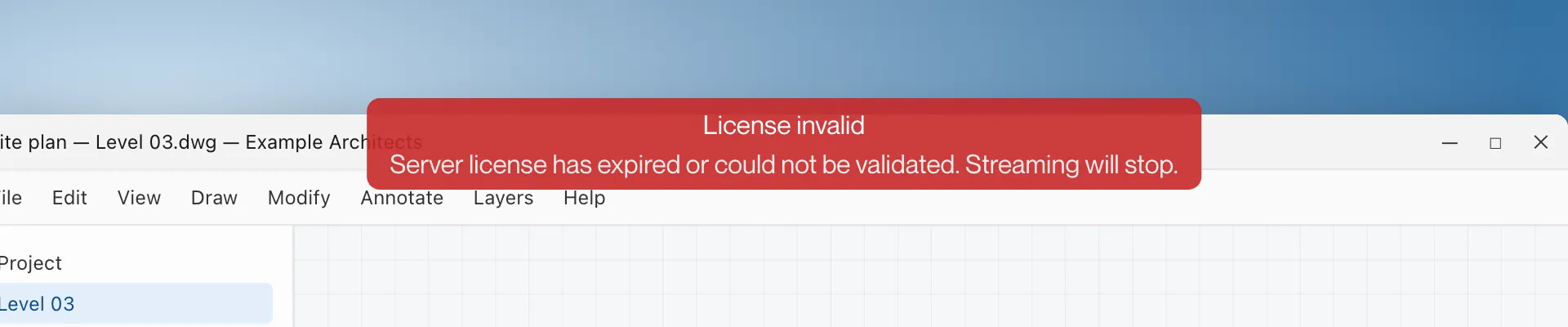
A red notice reading “License invalid” with “Server license has expired or could not be validated. Streaming will stop.”
What it means
The workstation’s licence has ended or could not be confirmed within the allowed time. Remotle ends the session, returns to the machine list and shows “This machine’s licence isn’t active”.
What to do
- Save your work when you see License warning, before this message appears.
- Ask your administrator to renew the licence or move one to this workstation.