In-Session Messages
In-Session Messages: Signing In and the Desktop
These messages appear at the top of the picture while the workstation signs you in or brings up its desktop. None of them needs action. Each clears when the step completes.
Signing you in
Section titled “Signing you in”What you see
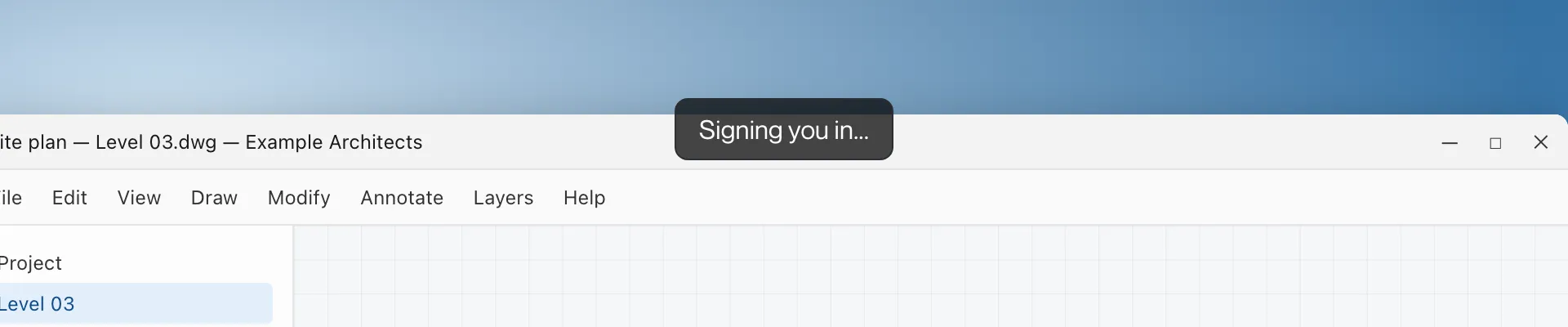
Windows, Mac and iPad: “Signing you in…” at the top of the picture.
What it means
Single Sign-On is signing you in to Windows on the workstation. The desktop appears when it completes. See Single Sign-On.
Starting your desktop
Section titled “Starting your desktop”What you see
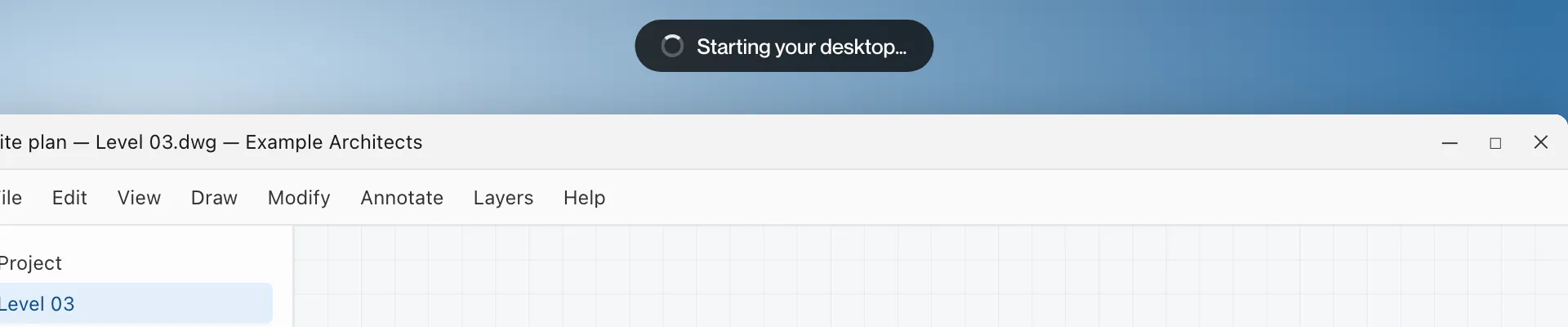
Mac and iPad: a pill reading “Starting your desktop…”.
What it means
The workstation is bringing up your desktop after a connection or restart.
Adjusting display resolution
Section titled “Adjusting display resolution”What you see
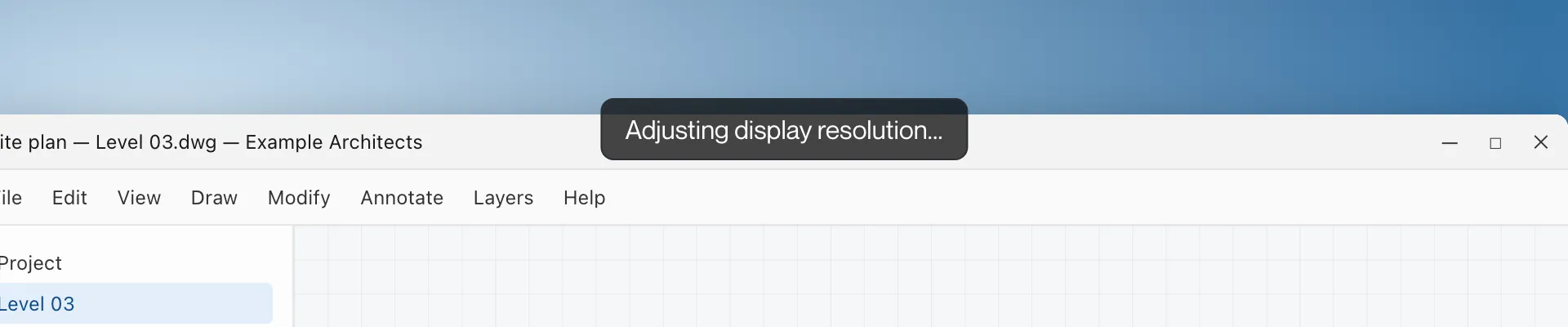
“Adjusting display resolution…” at the top of the picture.
What it means
The workstation is changing the desktop size to match your screens.
Reconfiguring desktop
Section titled “Reconfiguring desktop”What you see
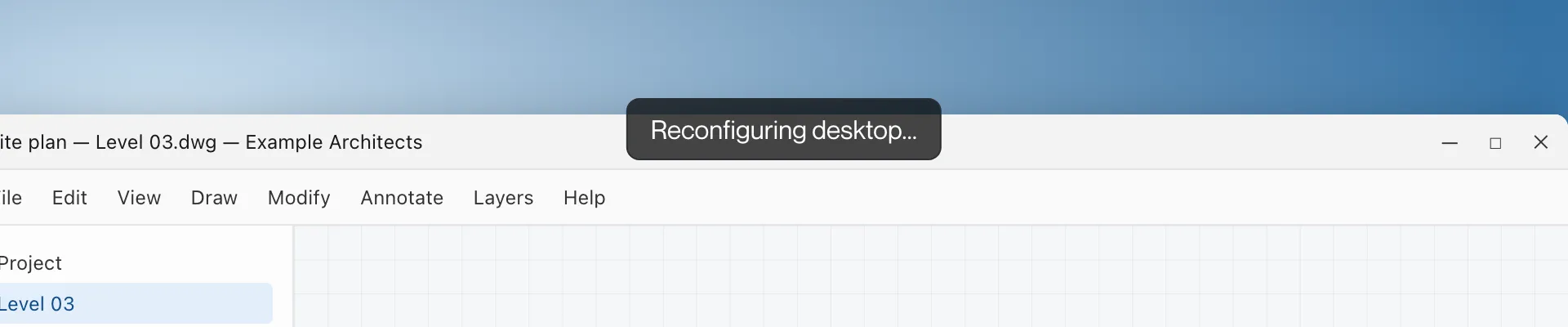
“Reconfiguring desktop…” at the top of the picture.
What it means
The workstation is rebuilding its display, for example after you changed Use all screens or signed out of Windows.