Sign-In and Machine List Messages
Sign-In Messages: Signing In with Microsoft
These messages appear after you click Login with Microsoft.
Signing in with Microsoft
Section titled “Signing in with Microsoft”What you see
“Signing in with Microsoft. A browser window will open. Complete the sign-in there and this window will follow.” with “Waiting for you to sign in” and “Complete the sign-in in the browser window”.
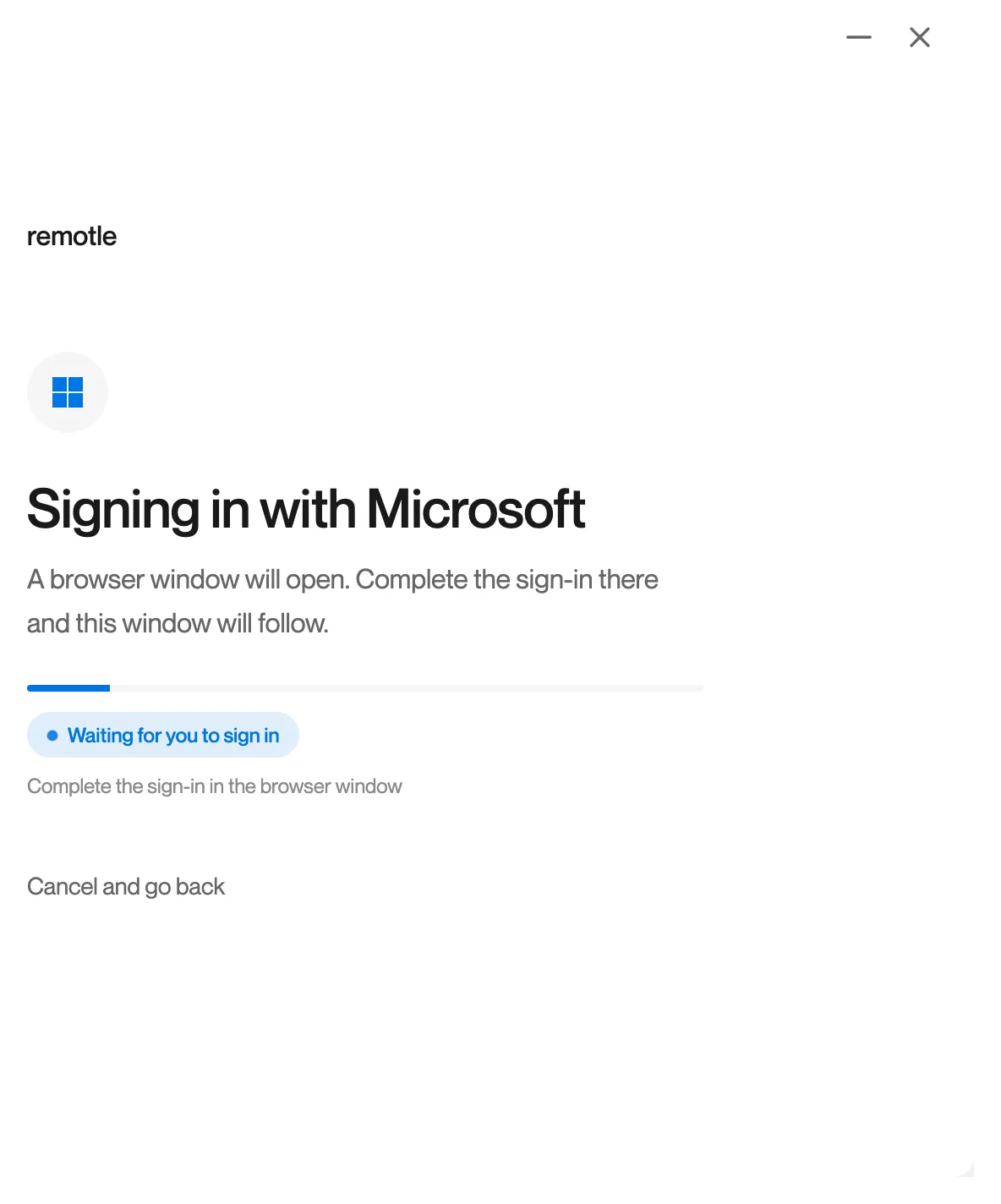
On iPad and iPhone the Microsoft page opens over this screen instead: “The Microsoft sign-in page opens over this screen. Complete the sign-in there to carry on.”
What it means
Remotle has opened the Microsoft sign-in in your browser and is waiting for you to finish it there. The Computle (Remotle) window follows by itself once you have.
What to do
- Switch to your browser and complete the Microsoft sign-in, including any prompt from your organisation’s policy.
- Return to Remotle. It shows “Signed in, loading your Computle environment” and then your machines.
- If the browser window did not open, click Cancel and go back and try again.
Close the browser window and try again
Section titled “Close the browser window and try again”What you see
“Close the browser window and try again.” On iPad and iPhone: “Close the Microsoft page and try again.”
What it means
The Microsoft sign-in did not complete.
What to do
- Close the browser window or Microsoft page.
- Click Login with Microsoft again.
- If the Microsoft page shows its own message, follow it. Your organisation’s IT team manages your Microsoft account.